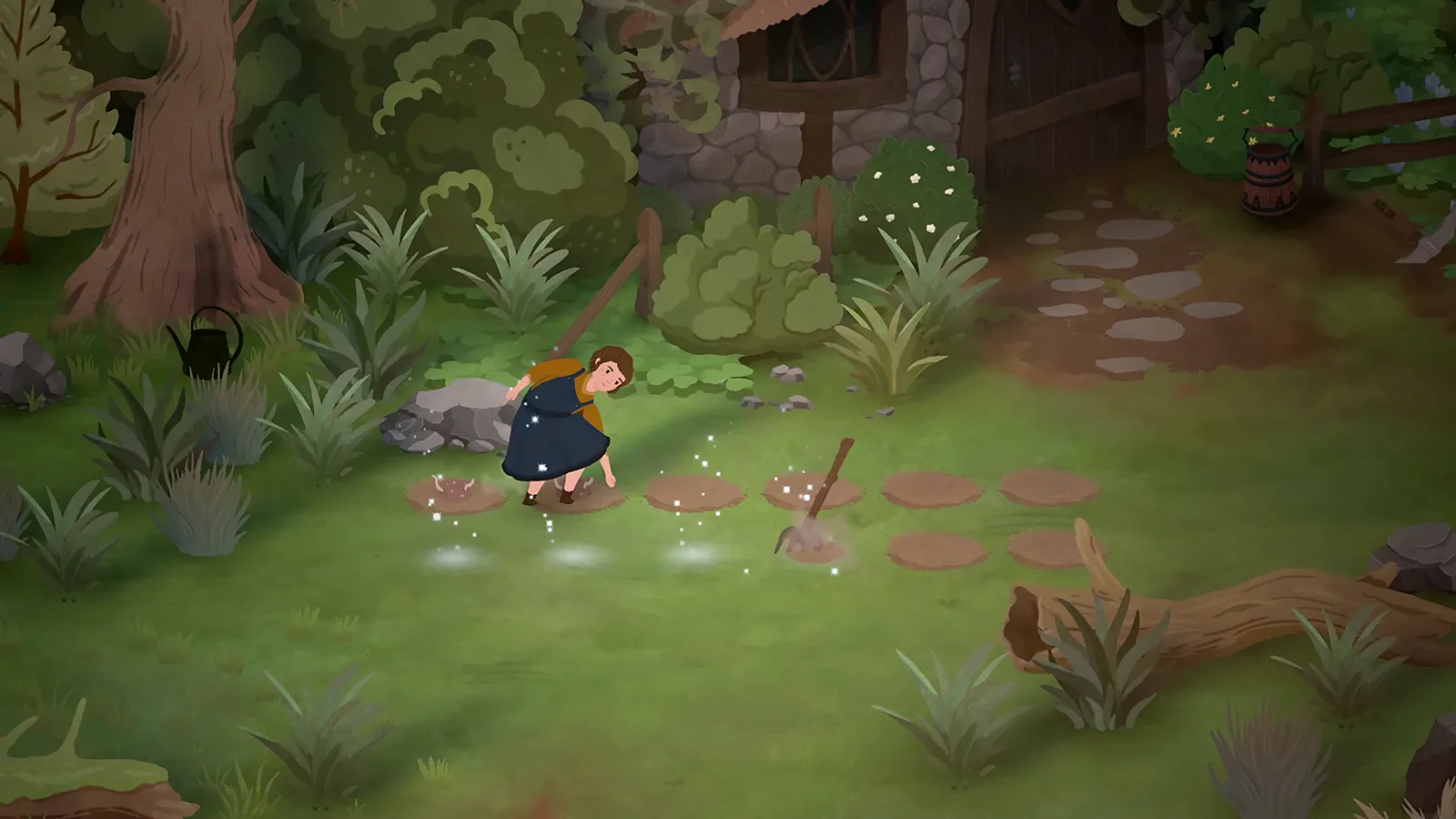
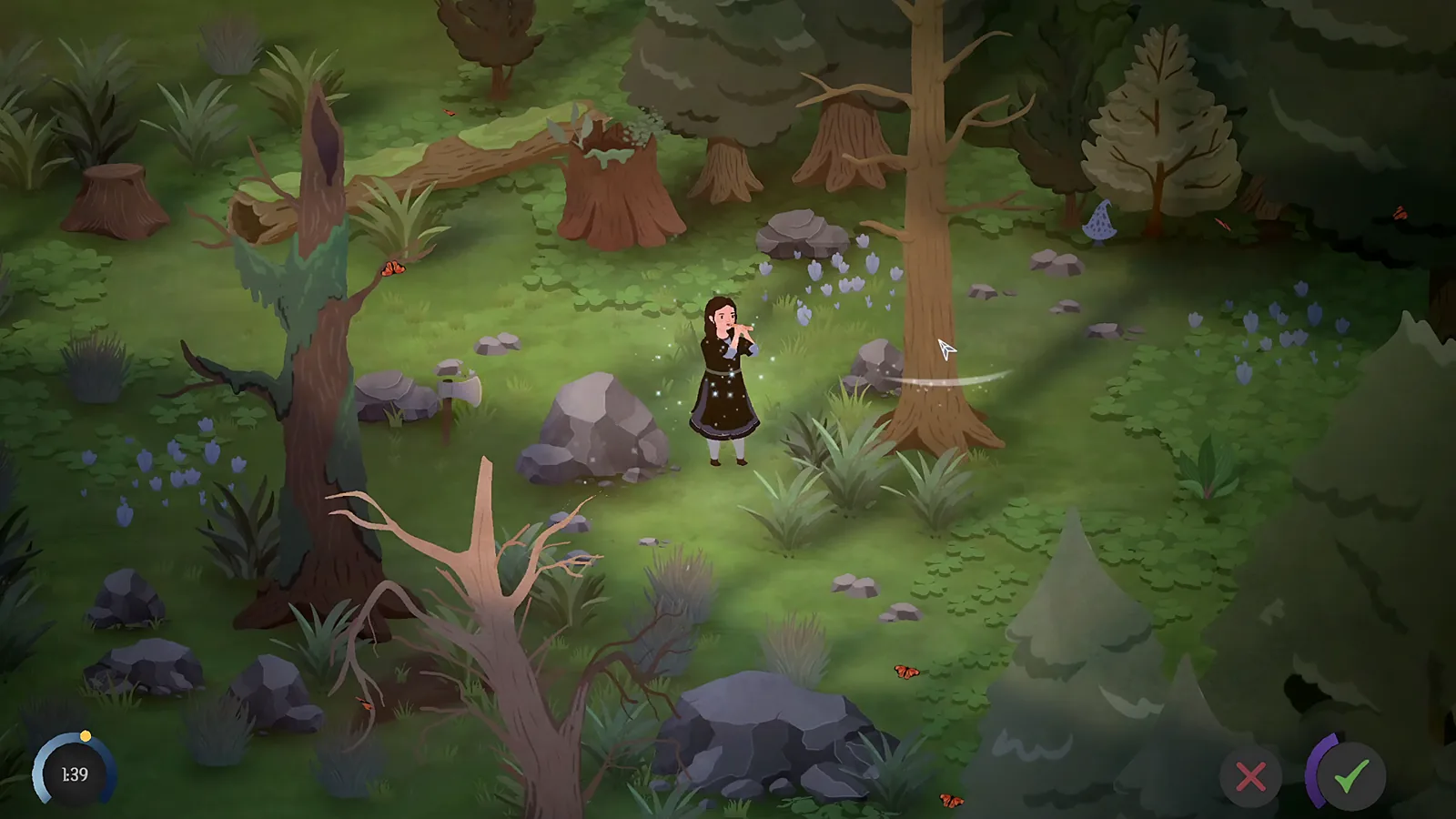
The confirmed mouse-and-keyboard sequence
The launch discussion contains a direct answer from Eastshade Studios. It describes equipping the scythe by right-clicking it in the hotbar, then clicking the grass clumps. A separate player clarifies the second action as a left click.
Try those two actions as separate steps. First select the tool in the bar. Then move to the grass you intend to remove and use the world interaction. Repeatedly clicking the inventory icon alone does not complete the second step.
If it still does nothing
Use this diagnostic order:
- Confirm the scythe is the selected tool, rather than an item being dragged.
- Choose a grass clump or weed, the target named in the answer.
- Read any resource or action feedback displayed by the game.
- If the action still fails, note the target and input method for a bug report.
This order is an editorial troubleshooting suggestion. It is not evidence that every nonworking scythe has the same cause.
Does the scythe need mana?
One player in the discussion says it will not work when mana is empty. The developer's reply confirms the input sequence, but does not explicitly confirm that resource rule. Treat mana as a check to make, not a verified cost or guaranteed diagnosis from this page.
The original questioner said their mana was full; the developer still responded with the equipment steps. That is a useful reason to check selection before assuming a resource problem.
Trees and watering use other actions
The scythe answer concerns grass. It does not establish that the tool cuts down dead trees or prepares soil. For those tasks, compare the relevant song and target instructions. Magical woodcutting has a separate developer answer.
There is no verified controller-button equivalent in this discussion. Use the on-screen prompt for your active device rather than applying a guessed button mapping.
Sources and version scope
Launch information checked 1 October 2026; historical demo details labeled below.
- How to equip and use the scythe — developer; checked 1 October 2026.