Selecting a tool is not moving an item
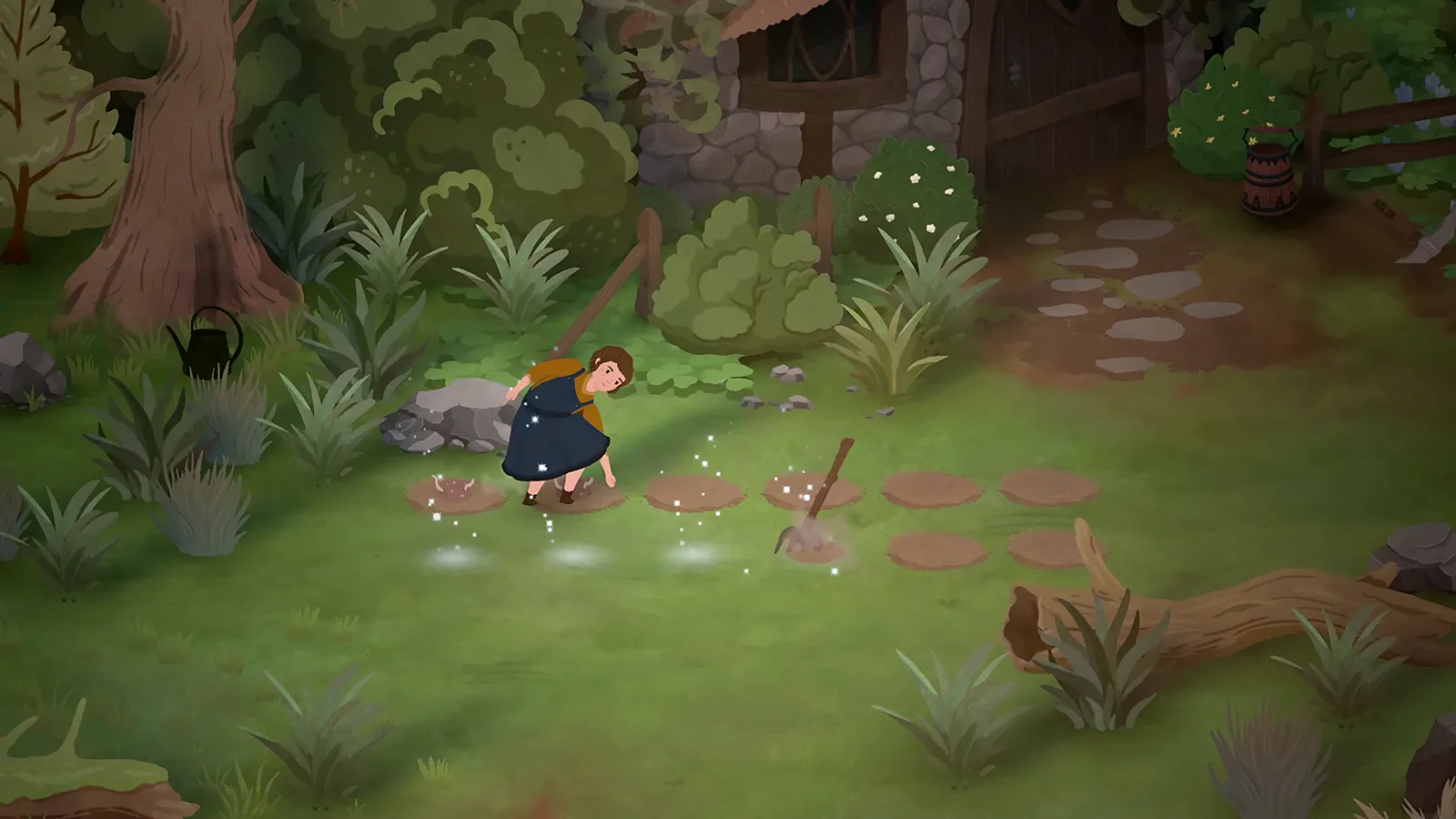
The launch scythe answer from Eastshade Studios says to right-click the tool in the hotbar, then click its grass target. The accepted watering answer uses the same selection-then-target pattern.
For these mouse-and-keyboard tasks, begin with the tool selected. If the inventory item follows your cursor instead, pause and inspect the interaction before dropping it into the world. A moved item is different from a tool action.
Map and menu shortcuts
The demo 0.465 notes add M for the map and right-stick click for the controller map shortcut. They also add Esc for closing readables and the player menu. These are dated defaults, rather than a claim that every regional keyboard or custom mapping uses the same keys today.
Check the control settings in your installed version if a shortcut fails. Earlier demo notes describe regional-keyboard changes, which is another reason to verify the active mapping instead of treating an old tutorial image as definitive.
Controller-specific uncertainty
A launch fishing discussion reports a missing targeting circle with controller input. The thread has no verified universal fix. It does not establish that the game is unusable with all controllers, nor that a specific Steam Input toggle repairs it.
To narrow down an issue, record your controller model, the game's displayed prompts, the exact interaction that fails, and whether another available input method changes the symptom. Those are editorial diagnostic checks.
Read the task-specific guide
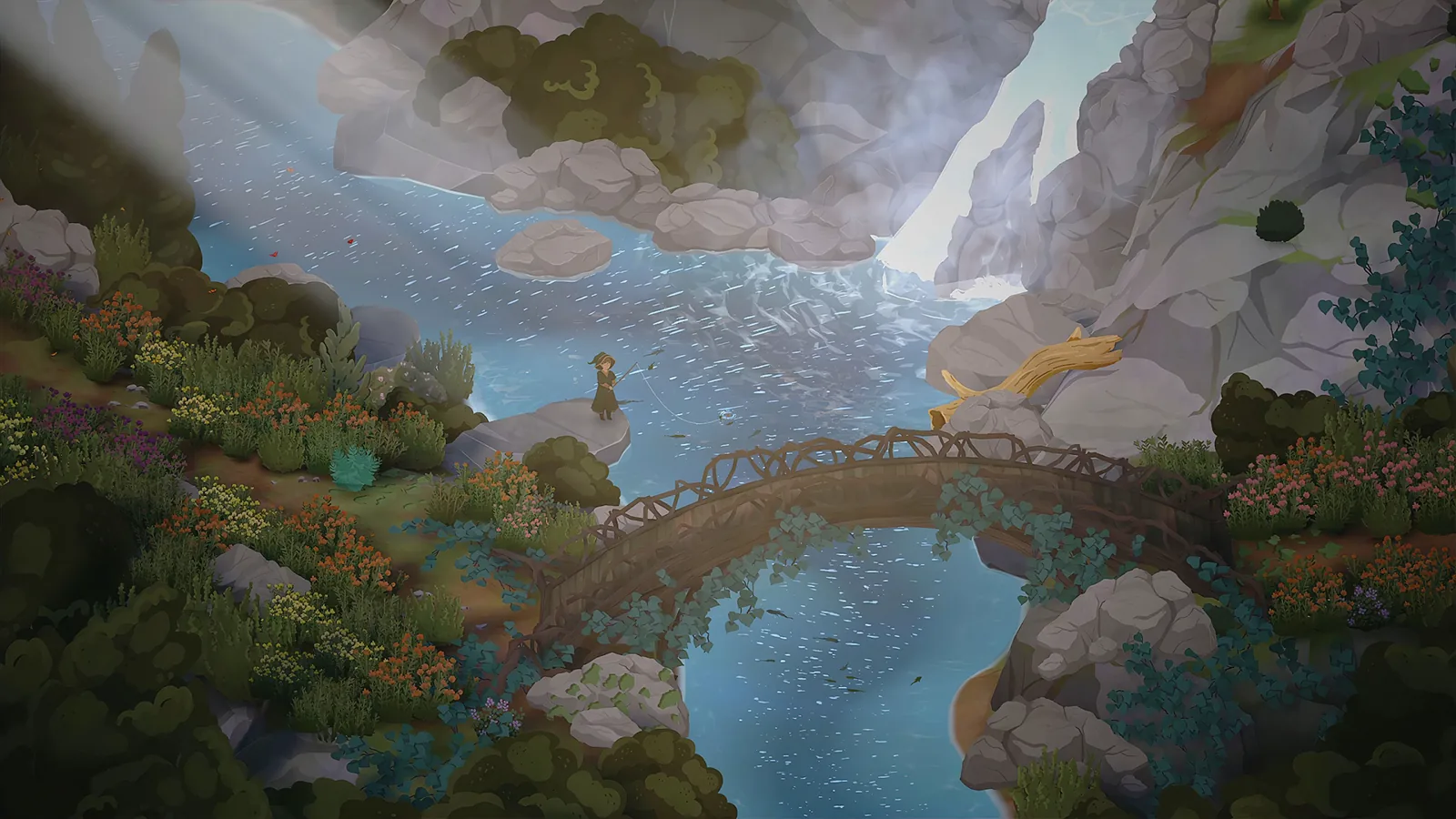
Use scythe for grass, watering for plants, and fishing for the cast-and-hook sequence. Their target requirements are different even when the inputs look similar.
There is no complete, independently verified launch button table here. Where a source only gives mouse inputs or a historical demo shortcut, this page labels that scope instead of inventing a controller equivalent.
Sources and version scope
Launch information checked 1 October 2026; historical demo details labeled below.
- How to equip and use the scythe — developer; checked 1 October 2026.
- Accepted watering answer — accepted community; checked 1 October 2026.
- Official announcements and dated demo patch notes — official; checked 1 October 2026.
- Rod controls and rhythm minigame — corroborated community; checked 1 October 2026.