Opening the map
The developer's demo 0.465 notes introduce a direct M shortcut for keyboard-and-mouse input and right-stick click for controller input. Check your active bindings if neither opens it; these are historical defaults and may have been changed by you or by the current build.
The published launch prologue route describes receiving the map at the town entrance. If you are still at the beginning and lack it, revisit the arrival interaction and follow the journal's current directions.
Turn an objective into a route
Our suggested process is to read the objective, identify the named destination on the current map, and choose one nearby task to combine with the trip. This avoids walking back and forth while trying to remember several unfinished requests.
For example, finish shopping in town before returning to an enrollment task. When your next stop is the garden, check whether you want to store or sell excess materials during the same visit. These are planning suggestions, not proof that every quest can be completed in one combined trip.
If a location does not appear
Check whether the objective names a person, a building or a whole region. Read the map legend and compare those labels with the words used by the journal. A person you need to speak with may not be represented by the same label as their workplace.
If a path is blocked, consult the active objective and the relevant spell description. Do not assume a missing map marker means the game has a fast-travel point to unlock.
What this guide covers
This is an interface and route-planning guide, not a custom annotated island map. No coordinates, hidden entrances or fast-travel locations are supplied without verified evidence.
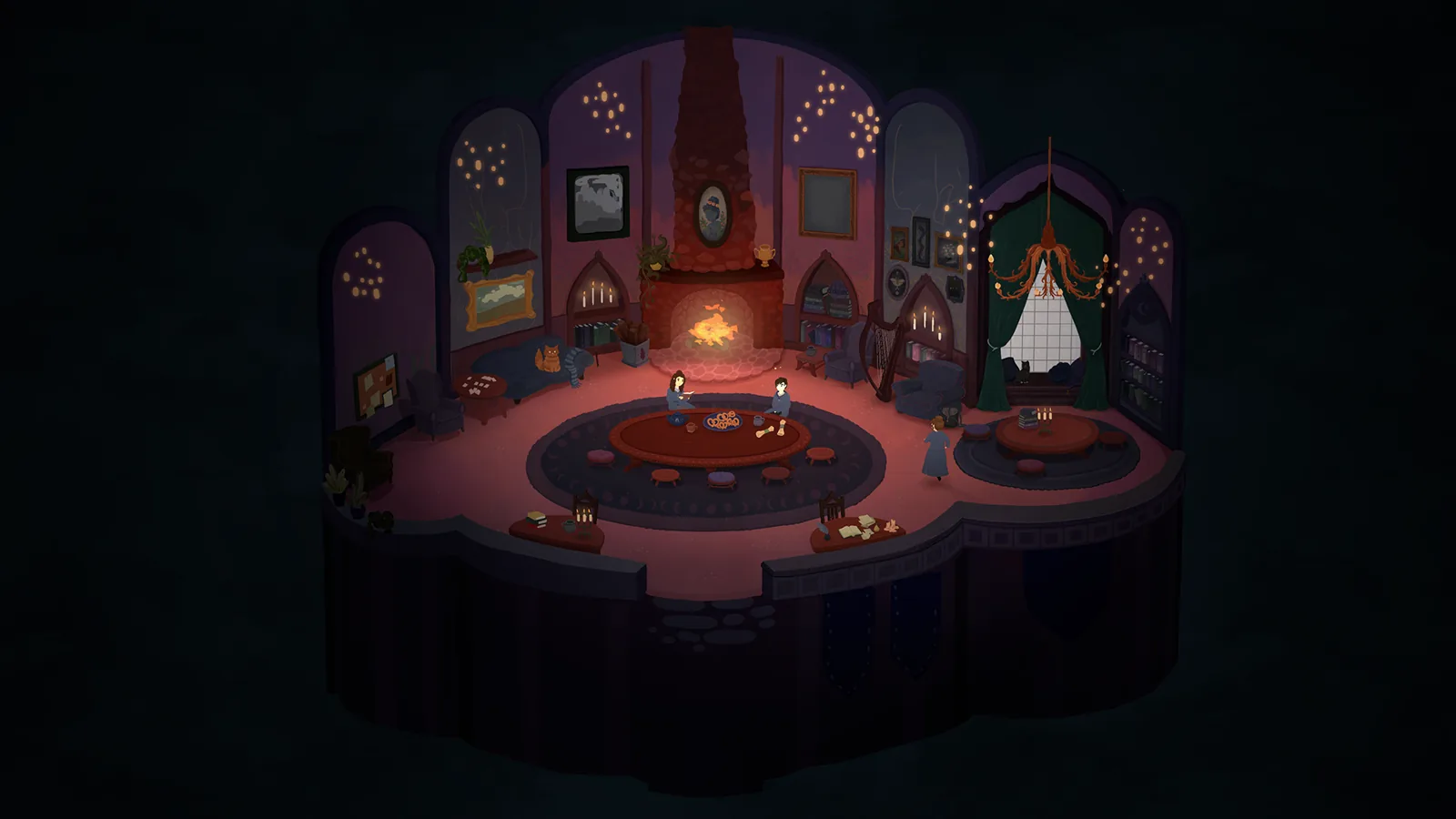
For specific early destinations, the prologue checklist covers the supply shops and enrollment sequence. The baking guide identifies the corroborated fireplace destination for that task.
Sources and version scope
Launch information checked 1 October 2026; historical demo details labeled below.
- Official announcements and dated demo patch notes — official; checked 1 October 2026.
- Into Indie Games prologue route — walkthrough; checked 1 October 2026.