Bake the blueberry item, step by step
If the Ferry Girl task has sent you to bake for Dee, first read the exact item name in your journal. A Steam player called it a “blueberry muffin,” while an English cooking walkthrough calls the prepared input Blueberry Dough and the finished food Blueberry Bun. These names are useful clues, but do not substitute one item for another if your game lists a different requirement.
- Get flour, a charged watering can or waterskin, and a blueberry. The Ferry Girl cooking walkthrough says Pieter the baker can supply flour during this task. Check his dialogue if you need it; do not assume that offer is available at every quest stage.
- Make plain Dough in your inventory. Combine flour with a watering can or waterskin that contains water. If the combination does not work, check the water supply before looking for a different fireplace.
- Add the blueberry to the Dough. Check that the resulting item is Blueberry Dough before you try to bake it. Plain Dough and a loose blueberry are different inputs.
- Use a working cook fire. Start with the fireplace in the dorm common room. Open its cooking interaction, place the flavored dough inside, then return for and collect the finished food. The library is another reported cook-fire location.
- Verify the hand-in item. Compare the cooked item's name with your journal and bring the requested item to the quest giver. Keep the item if the hand-in is not yet available, and check the active quest step rather than starting the recipe again.
The flour → Dough → Blueberry Dough → cooked-item sequence appears in both the English cooking walkthrough and an independent Japanese Ferry Girl walkthrough. The latter describes the same inventory combinations and common-room fire, but its translated item name is not proof of the exact English label in your build. We have not independently played the task.
Which fireplace should you use?
The original muffin baking discussion began when a player tried a campfire near town and could not bake. Replies directed them to the dorms, then specifically to the common-room fireplace. In a separate blueberry baking discussion, the asker confirmed the common-room answer near the Blue Wing. Players also mention using the library.
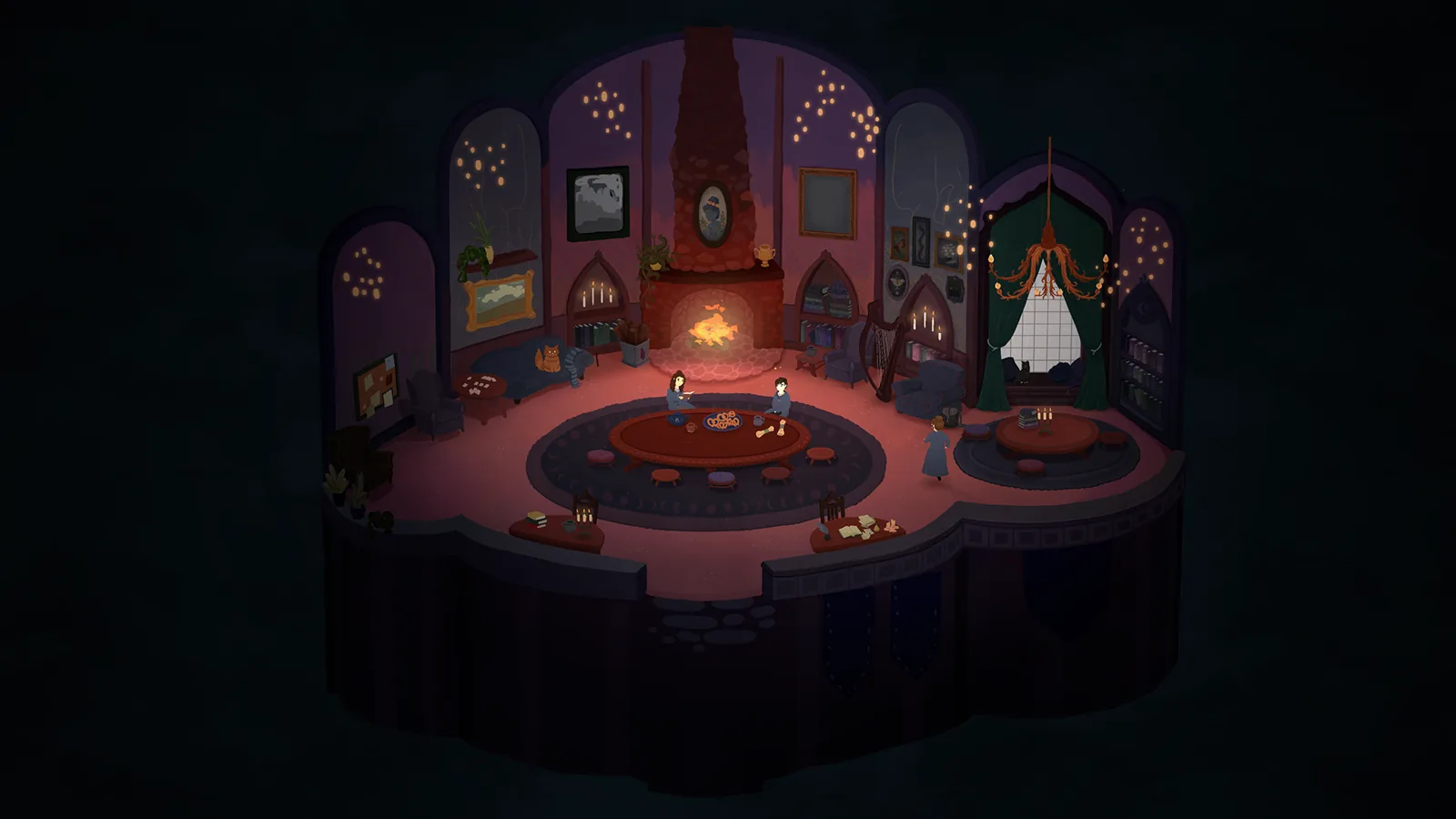
Use the actual cooking interaction offered by the fire. The community reports support these locations; they do not establish that every decorative or outdoor flame works for this item.
If the baking or quest step does not advance
- The fire will not accept your item: Check whether you made Blueberry Dough. If you still hold plain Dough or a raw blueberry, finish the inventory combination first.
- You cannot find a cooking interaction: Go to the common-room fireplace or try the library. The town-entrance campfire failed for the original asker.
- The item is cooked but the task is still open: Collect the result from the fire, compare its name with the journal and check whether Dee is currently asking for a hand-in. The sources do not establish a universal quest-reset step.
- You are stuck during the dorm fireplace scene: The developer's Version 1.02 announcement describes a fix for a squeaky-floorboard scene conflicting with fireplace repair. Check the installed version if that specific scene matches your problem. The note does not claim to fix every baking failure.
Source and version notes
The fireplace locations come from two launch-week Steam discussions. The cooking sequence and Blueberry Bun label come from the English walkthrough, with the sequence independently echoed by a Japanese quest walkthrough checked 16 October 2026. The original English Steam asker used “muffin”; those sources do not establish that muffin, bread and bun are interchangeable inventory items in every version. Check your current journal and resulting item. No ingredient quantity, exact bake duration or button binding is claimed here.