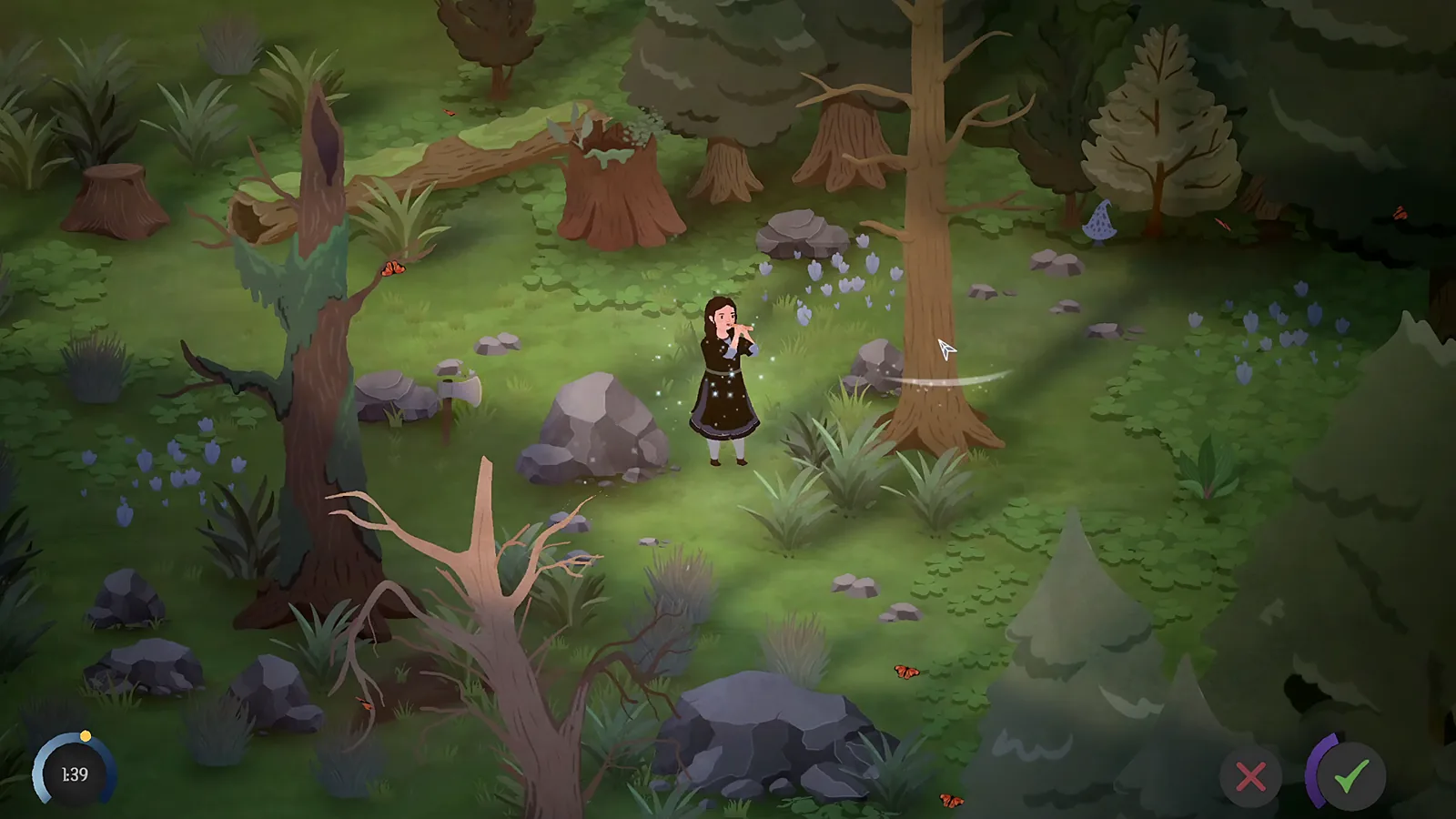
The first garden sequence
Gardening has three separate interactions: preparing a plot, planting a seed, and watering what you planted. Casting the tilling spell does not itself plant the packet in your inventory.
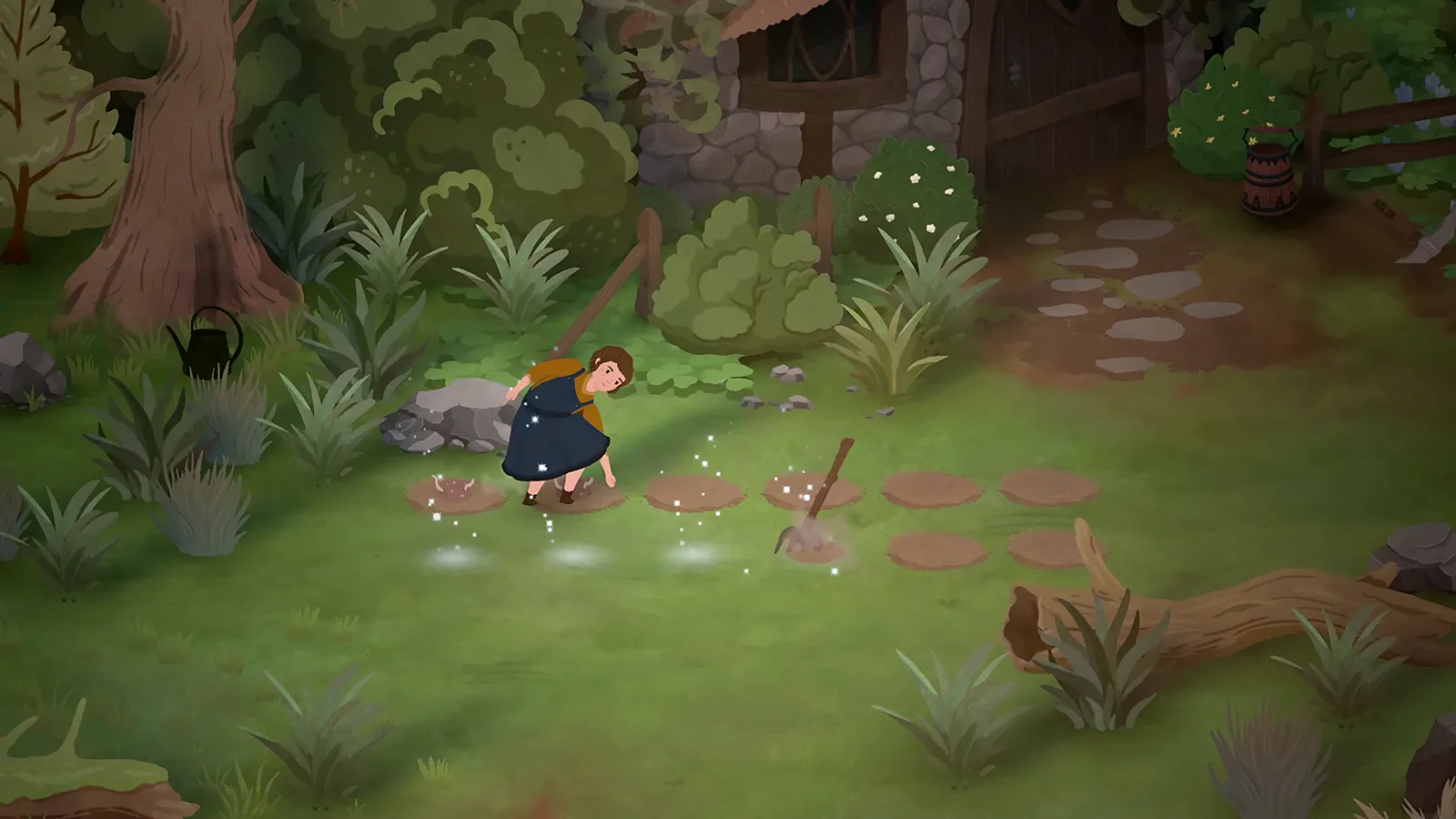
The two launch opening guides describe the same basic order: meet Clary for the garden lesson, prepare soil with Song of Tilling, place seeds on that soil, and use the watering can. Follow that order on a small patch before clearing the whole garden.
| Stage | What to do | What to check next |
|---|---|---|
| Prepare | Cast Song of Tilling and select the intended soil | A prepared planting plot is present |
| Plant | Use a seed on that prepared plot | The seed has been planted, rather than merely selected |
| Water | Select the can and target the crop or soil | The game acknowledges the watering action |
Tilling and targeting
Use the spell entry in your songbook to identify Song of Tilling before trying a different tool. The songs guide distinguishes the short casting action from rhythm practice.
If you use a controller and cannot move the tilling cursor, a developer reply from 14 September 2026, during the demo, identifies the right stick as the cursor control. That answer does not specify the confirm button. Read the confirmation prompt in your installed version rather than guessing one.
How to plant the seed packet
The October 1 9Puz opening guide reports two planting methods: dragging a seed onto tilled soil, or right-clicking the seed to equip it and using the displayed planting action at the plot. These are attributed guide instructions; this site has not replayed those inputs. The other opening walkthrough corroborates placing seeds after tilling, without documenting the same key mapping.
Start with the packet and the prepared plot in view. If your character does nothing, check the stage you reached: selecting a seed is not the same as planting it, and ordinary grass is not the prepared bed. If a dragging attempt does not plant it, return to the seed's equip action and the plot's current interaction prompt.
Watering: select the can first
The accepted October 1 Steam answer gives the following mouse sequence:
- Right-click the watering can in the inventory bar to select it.
- Left-click the plant or soil you want to water.
Keep refilling separate from watering. If the can is empty, use the pond's current fill prompt. Dropping the physical can into the pond is not the accepted plant-watering instruction. The controls guide explains selection versus moving an item.
Match the obstacle to the action
| What remains in the garden | Relevant action |
|---|---|
| Untilled planting area | Song of Tilling |
| A seed still in inventory | Plant it on prepared soil |
| A plant needing water | Select the watering can, then target it |
| Grass clump or weeds | Scythe |
| Dead garden tree | Woodcutting spell |
Keep the produce requested by your current quest before using the selling well. Once storage becomes the obstacle, garden chests offer a separate route. Crop growth times, profit rankings and a controller button table are outside the verified scope here.
Sources and version scope
Official information, attributed launch-player instructions and review-copy evidence are distinguished above. Historical demo details retain their dates. This site has not independently played these steps.
- Official game overview — official; checked 1 October 2026.
- Accepted watering answer — accepted community; checked 1 October 2026.
- Developer tool-selection answer — developer; checked 1 October 2026.
- 9Puz opening guide — walkthrough; checked 1 October 2026.
- Into Indie Games prologue route — walkthrough; checked 1 October 2026.
- Developer controller targeting reply — developer; checked 1 October 2026.