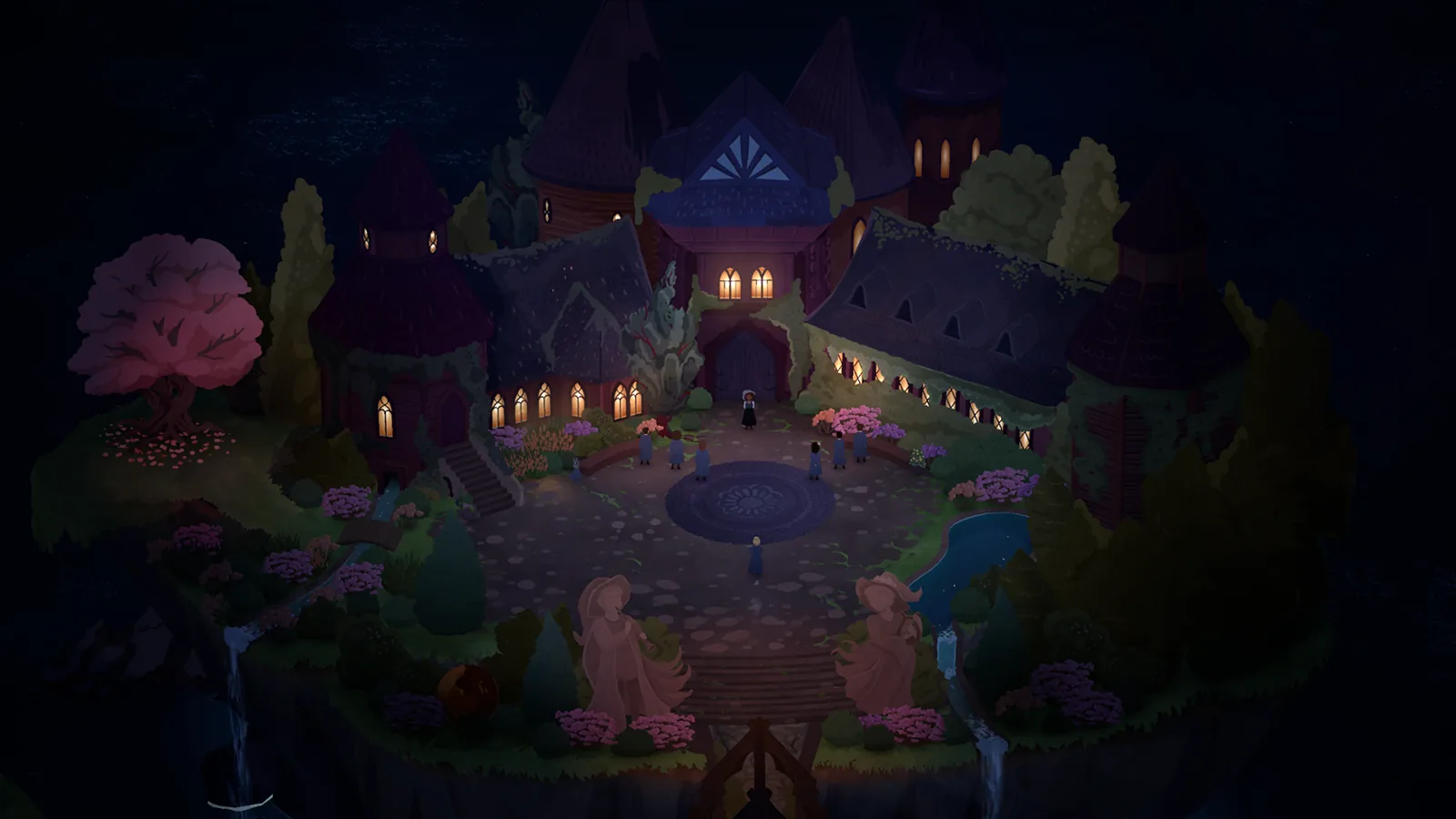
Start with Continue
The official demo announcements promise continuity into the full release. In the launch discussion, multiple players report that their existing demo progress and daily autosaves appeared in Continue. That makes the menu the first thing to inspect, rather than a reason to immediately start another game.
Check the entries carefully. Look at their character, day and any available save information. Choose an entry that matches your demo session, rather than assuming the first entry belongs to it.
A careful transition checklist
The following checks are our conservative troubleshooting suggestions:
- Open the full game on the computer where you played the demo.
- Use the same operating-system user and Steam account when possible.
- Inspect Continue and any older entries before choosing New Game.
- If you move between computers, allow Steam to finish its usual synchronization before comparing the menus.
- Preserve an extra copy of existing save files before experimenting with manual file changes.
The community's successful transfers support the normal continuation route. They do not prove that a missing local save can always be reconstructed, or that every cloud conflict has the same solution.
If Continue is empty
One player in the same discussion found no save in the demo either. That is a different situation from a valid save that the full game fails to display. Compare both menus and note which one still has progress.
Use missing-save troubleshooting if neither shows the expected entry, or if the problem follows a device change. That page covers a reported Windows location and how to gather useful information without overwriting the only copy.
Should you manually move files?
There is no verified manual import procedure in the sources used here. Automatic continuation worked for several launch players, so manual copying is not presented as a required step. Avoid deleting the demo's data or replacing files just because a menu initially looks empty.
Sources and version scope
Launch information checked 1 October 2026; historical demo details labeled below.
- Official announcements and dated demo patch notes — official; checked 1 October 2026.
- Demo continuation and missing save — corroborated community; checked 1 October 2026.